Interactive Media Products

#1 Learning Outcome

Portfolio Prototypes

Website prototypes

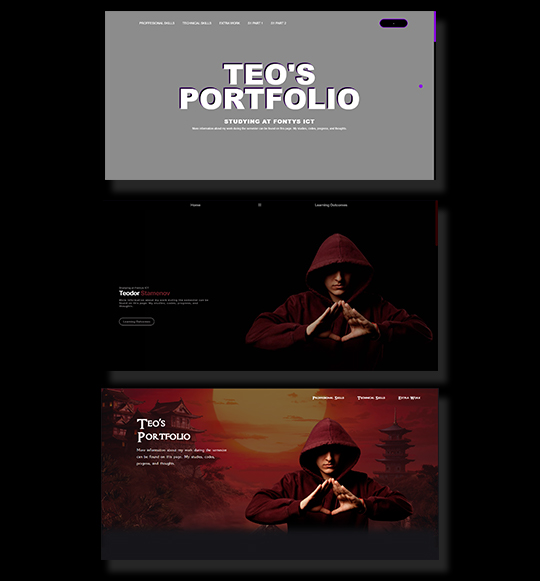
I made the decision to go all out and create the website's design and programming for our first portfolio review. I started by making my code from scratch after creating my design in Figma. I made a few different websites that would work with my idea and style, but I wasn't sure which one to use. I therefore made the decision, after much consideration, to give up my prior designs and concentrate on one. After the website was complete, I started adding simple JavaScript and animations to make it interactive for the user.

What was my idea?

My goal was to create a simple website that was clean, clear, and well-organized rather than overloaded with information. When you enter the website, the eye is drawn to the major content.
Prototype in Figma

Website Prototype

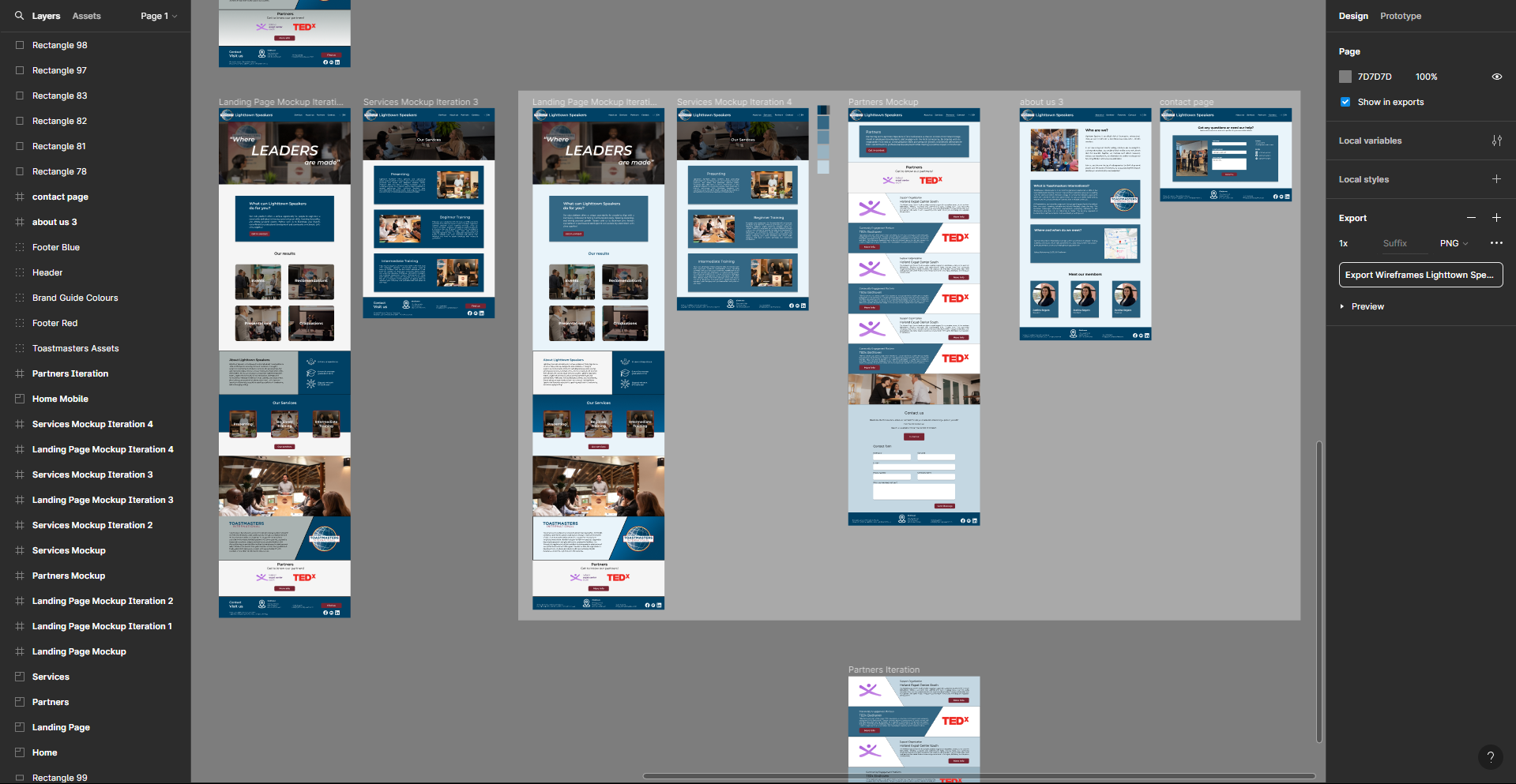
We began by creating a design in Figma and testing several color palettes while adhering to the brand guide that was provided to us. We began developing the prototype after agreeing on the following pages: Home, About Us, Contact, Partners, and Members.

What I was a part of?

I worked on the partners page, about us page, and I tried to make the prototype interactive and consistent with the style of my teammate's pages. After creating the prototype, we tested it and presented it to the client.

Website Part 1

Lighttown Speakers

For four weeks, I was able to focus on the website and code every page that I had created in Figma prototype. The project was a two-person project, therefore there was a lot of content to create. I began with the partners and about us pages. I had some reservations about the partners page because I didn't like how the design turned out the first time I created it, so I decided to redesign the page in Figma and then code it.

How it went?

After I redesigned the partners page and received feedback from my teammate and several students, I continued to work on it until I finished the same week I started.

Website Part 2

About Us Page

After finalizing the Partners page for the website, I began coding the About Us page. Of course, everything went according to plan, and I stuck with the initial design I created. All of the information I gathered came directly from Lighttown speakers, and I included the place where they give their presentations.

Website Part 3

Contact Page

For the Contact Page Initially, it was not the page that I created, but when I realized that I had already completed my two pages, I decided to begin with this one as well to avoid wasting time and do further work. I coded the page and included three sections: Full Name, Email, and Message, which allowed visitors to the website to ask specific questions.

House 1 - Blender

Creating house

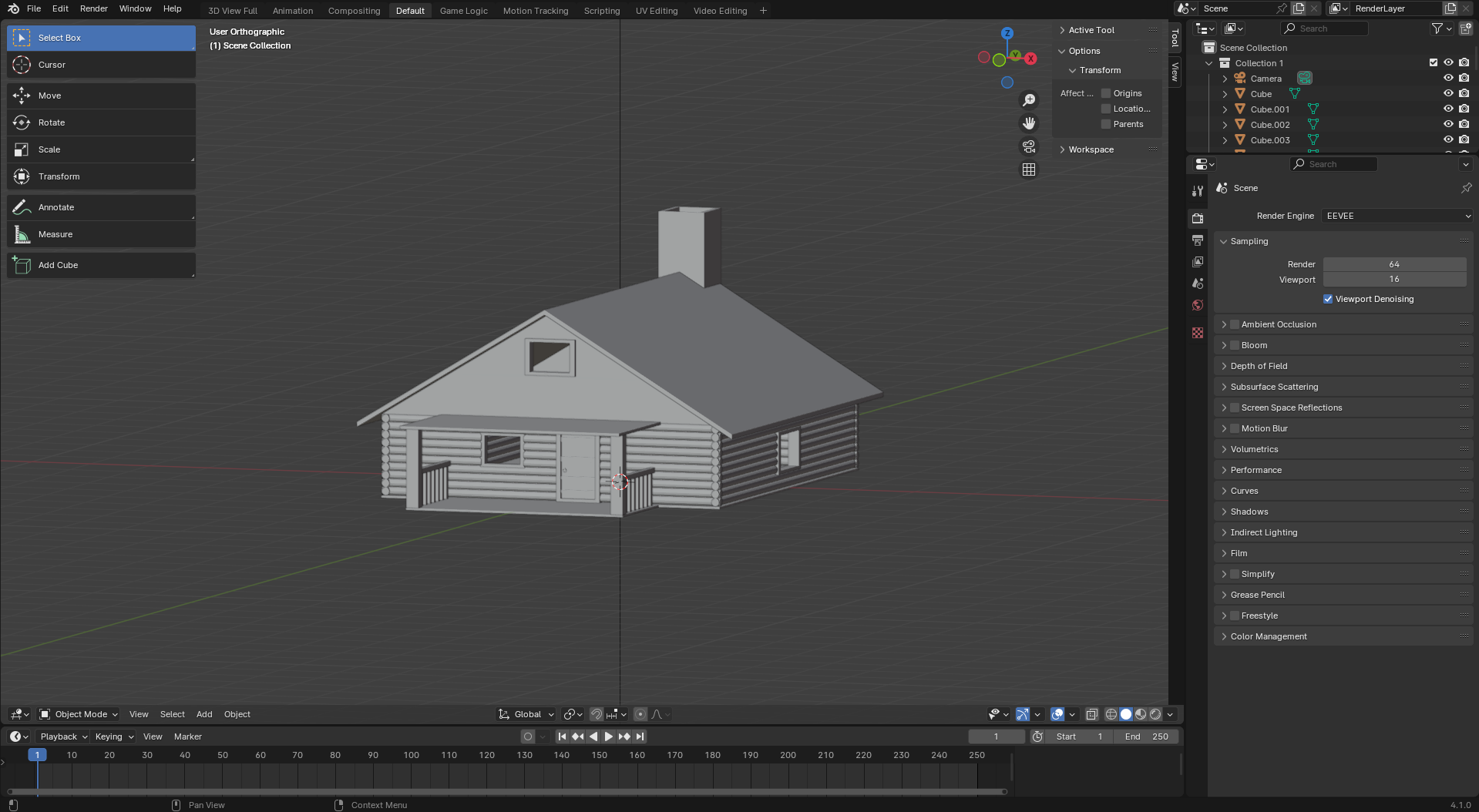
I was very interested in learning blender and creating things for the gaming business after our class with Josh. The first lecture was about building a basic house. So, after I arrived home, I started building my first house, which went out acceptable for a first try.

House 2 - Blender

Creating house 2 with more training

A few days later, after creating my first house in Blender, I realized that I enjoy it and want to make more things. I decided to build another house, this time more detailed. So I used the skills I gained in class and a guide to build a second house.

Blender - CYBERTRUCK

Small project for myself

I spend some time in the blender creating a small project for myself because I love using the blender and I'm a huge fan of Tesla. I choose to build the Tesla CyberTruck. Naturally, in order to succeed, I watched some tutorials. Initially, I began by creating the object and the Tesla's shape. Following that, I began to precisely model the car's shape. While it's not exactly the same, I believe I did a decent job for five hours.